Home / Screenshots
Screenshots

See ICMob Camera in Action

Live view, alerts, two-way audio and multi-device access – a quick look at what the app can do.
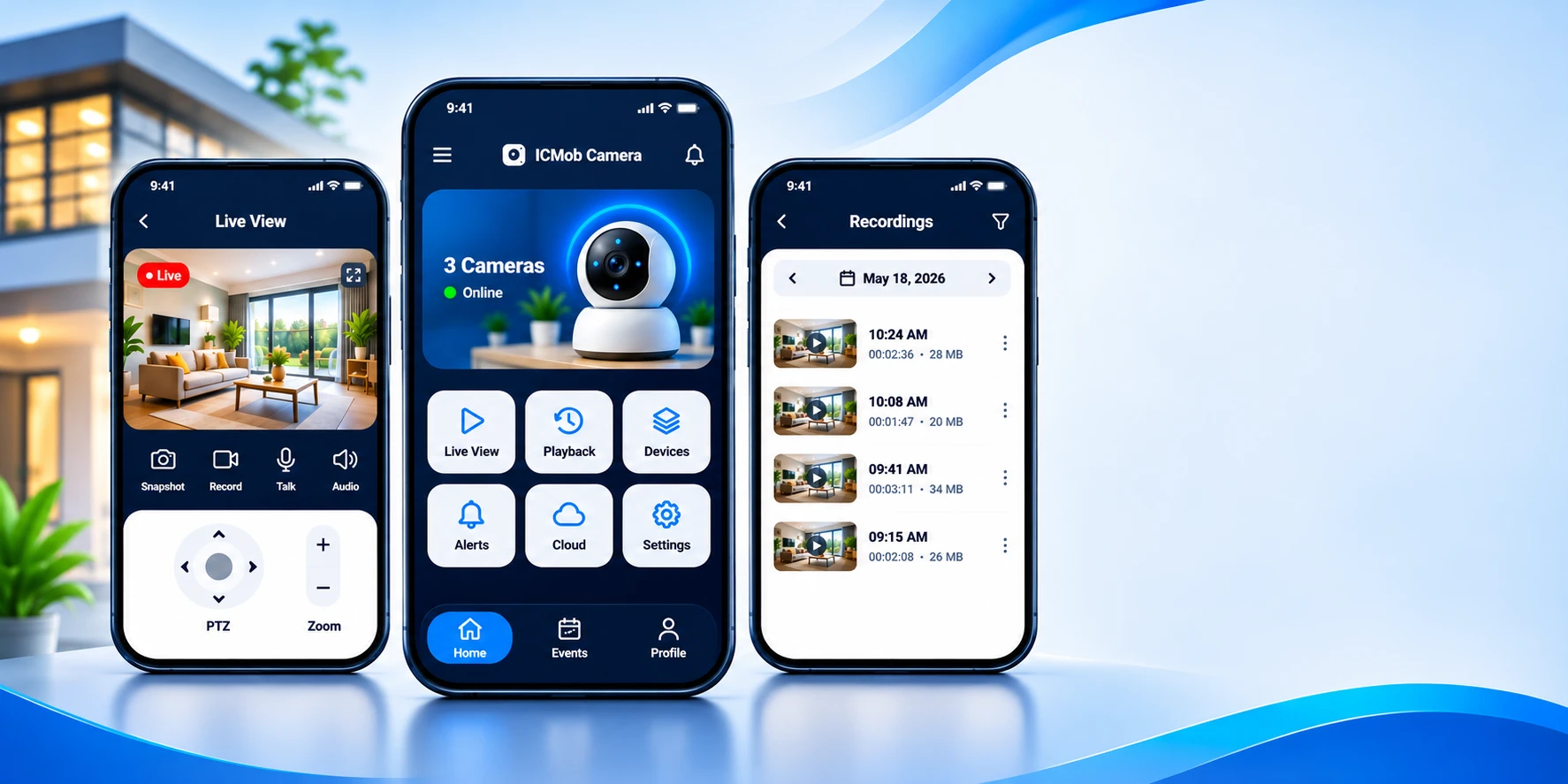

App screens – Live View, Home and Recordings
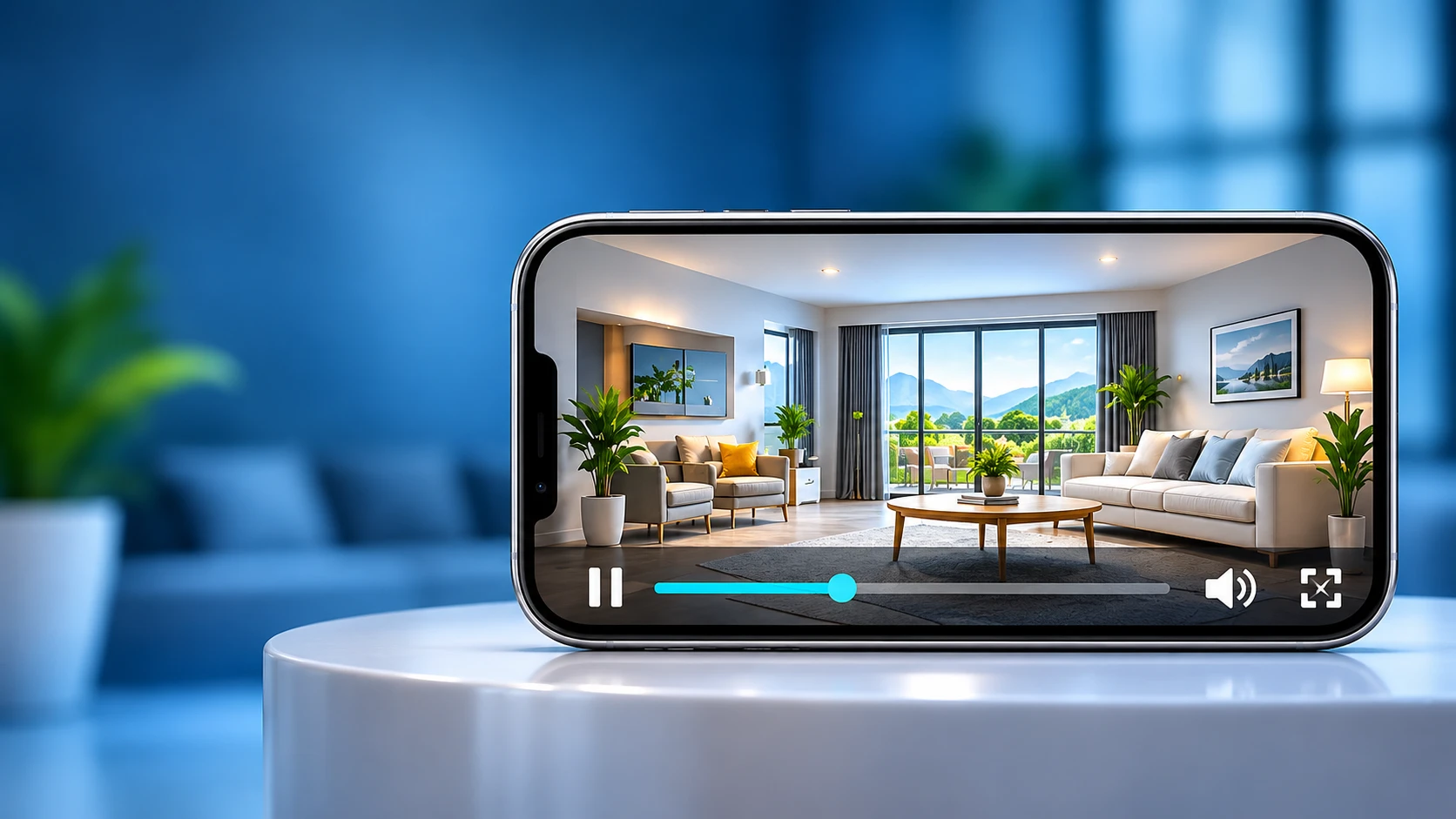
Live Monitoring in Real-Time
Crystal Clear HD Video
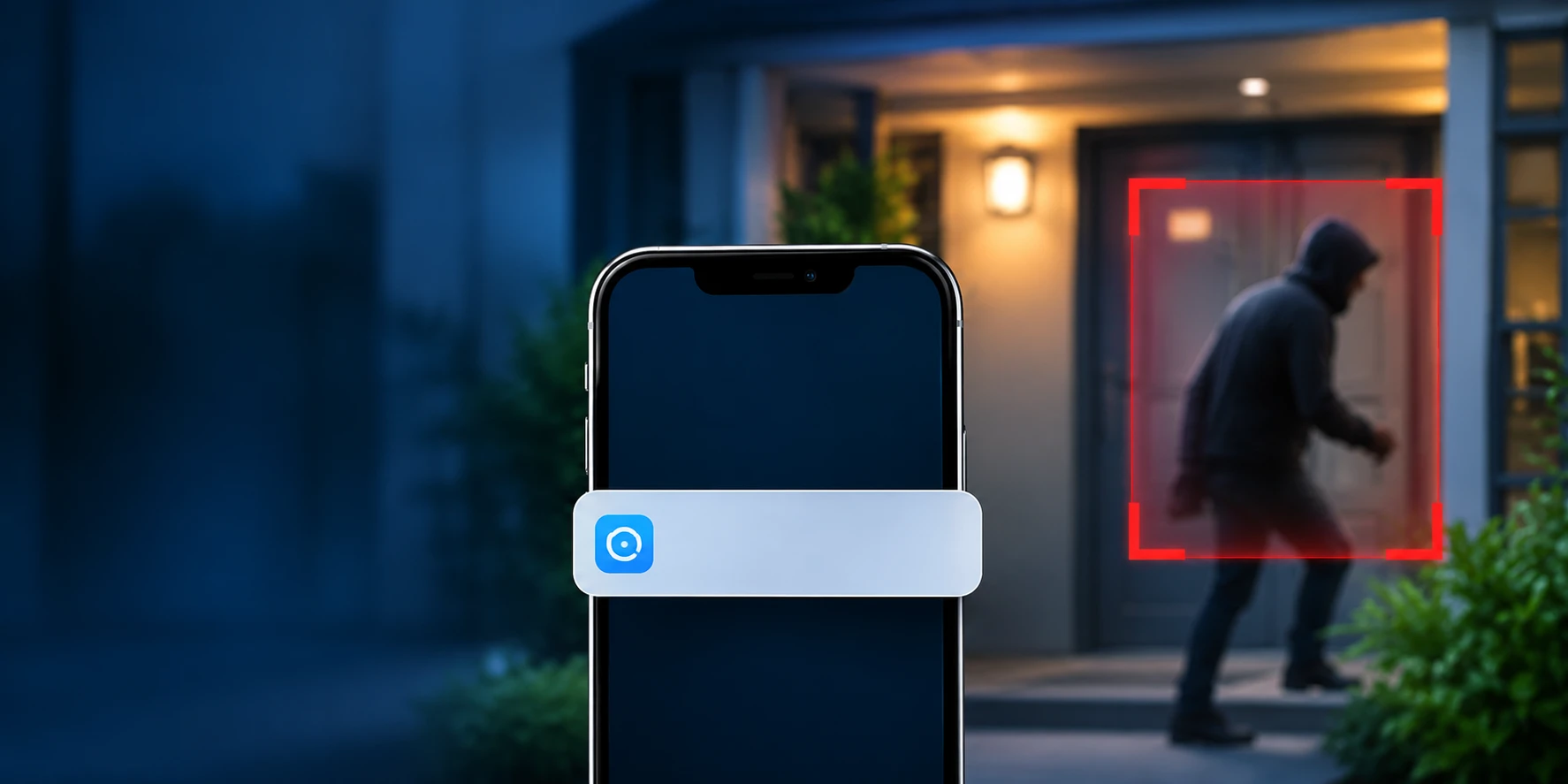
Smart Motion Detection
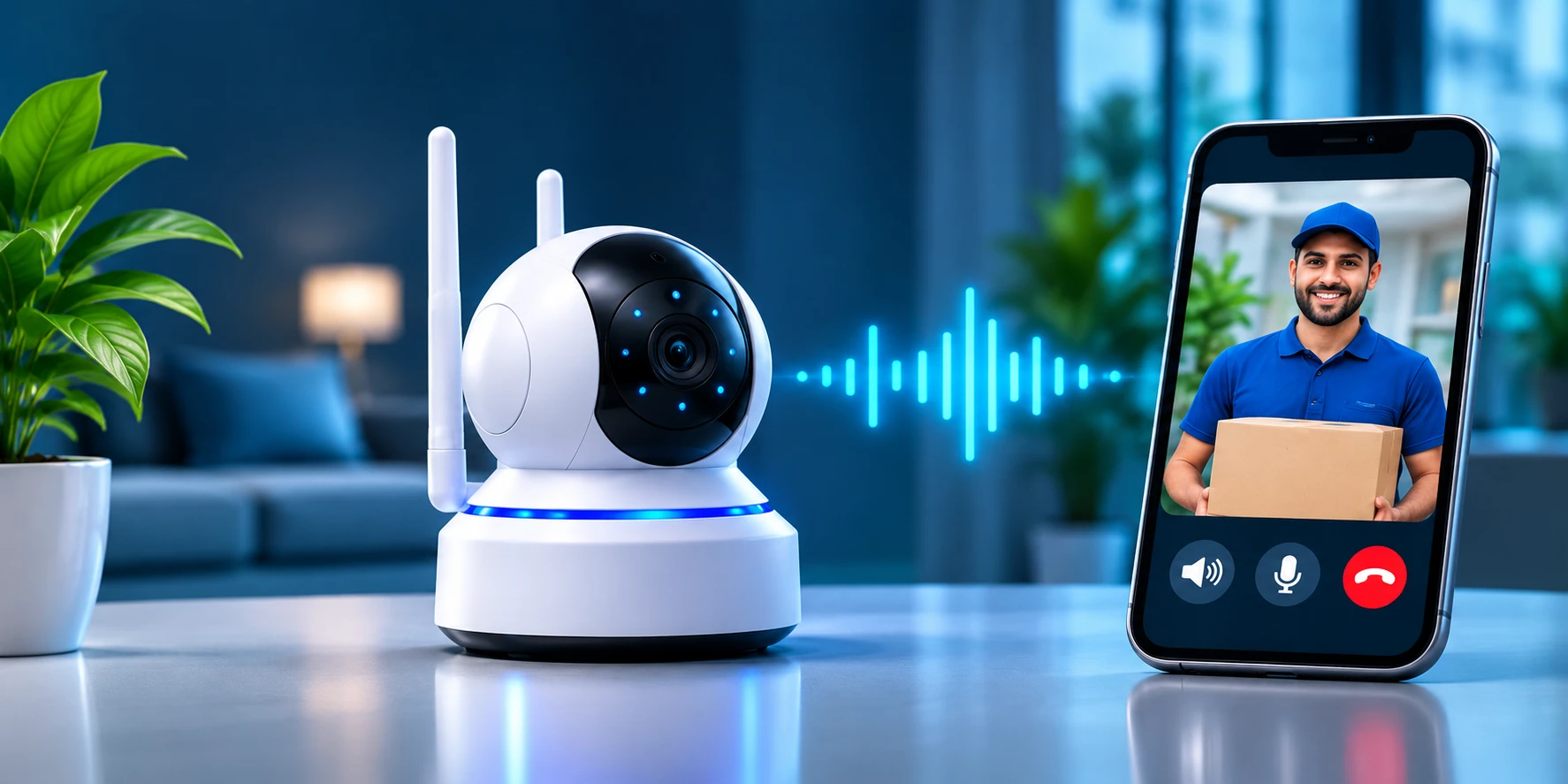
Two-Way Audio – Talk & Listen
Multi-Device Access
Multi-Device Access
All-Weather Security
Secure & Private Monitoring

What Each Screen Does

The three main screens of the ICMob Camera app.

Live View

Watch your camera in real time with a clear Live badge and a full-screen button.

  • Snapshot, Record, Talk and Audio buttons under the video
  • PTZ pad to pan and tilt, plus Zoom controls

Home

See all your cameras and whether they are online at a glance.

  • Quick tiles: Live View, Playback, Devices, Alerts, Cloud, Settings
  • Bottom tabs for Home, Events and Profile

Recordings

Find any saved video by choosing a date.

  • Each clip shows its start time, length and file size
  • Filter the list and tap a clip to play it

Ready to Protect What Matters?

Add your first camera and start monitoring in minutes.