ICMob Camera – A powerful and easy-to-use app for live monitoring, recording and complete security.
Watch real-time video from anywhere
Crystal clear and smooth video
Clear view even in low light
Get instant alerts on any movement
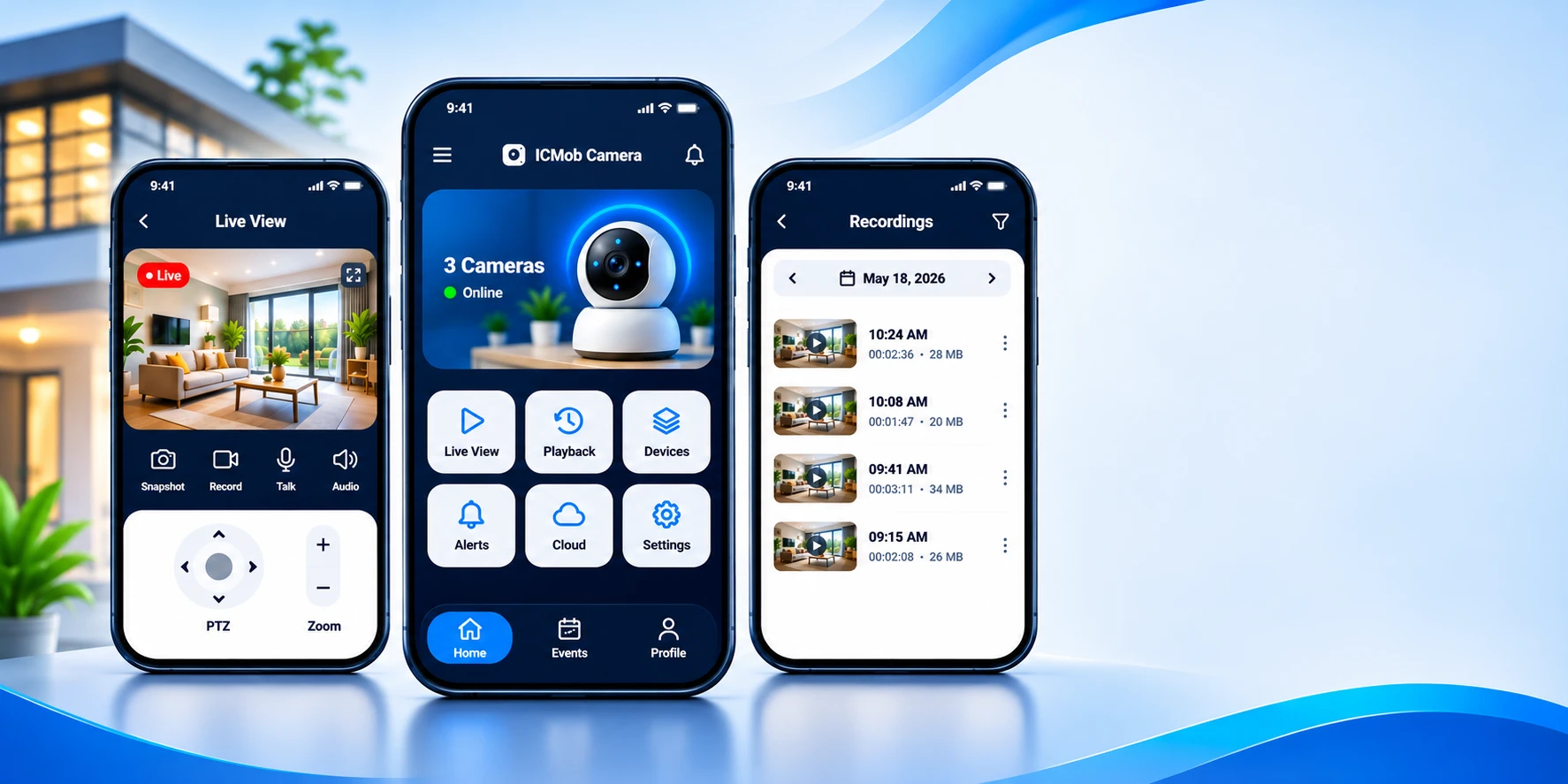
Everything you need to look after your place, in one simple app.
Download the app, scan the camera and start watching within minutes. No technical skills needed.
Open your camera from home, the office or while travelling, on Wi-Fi or mobile data.
Sharp video up to 1080P Full HD, with infrared night vision for dark rooms and outdoors.
Get a notification with a snapshot as soon as movement is detected in your chosen zones.
Speak to visitors, family or pets through the camera using two-way audio.
Only people you invite can view your cameras, and you can remove access whenever you want.
Everything ICMob Camera can do for your home and business.
 Live
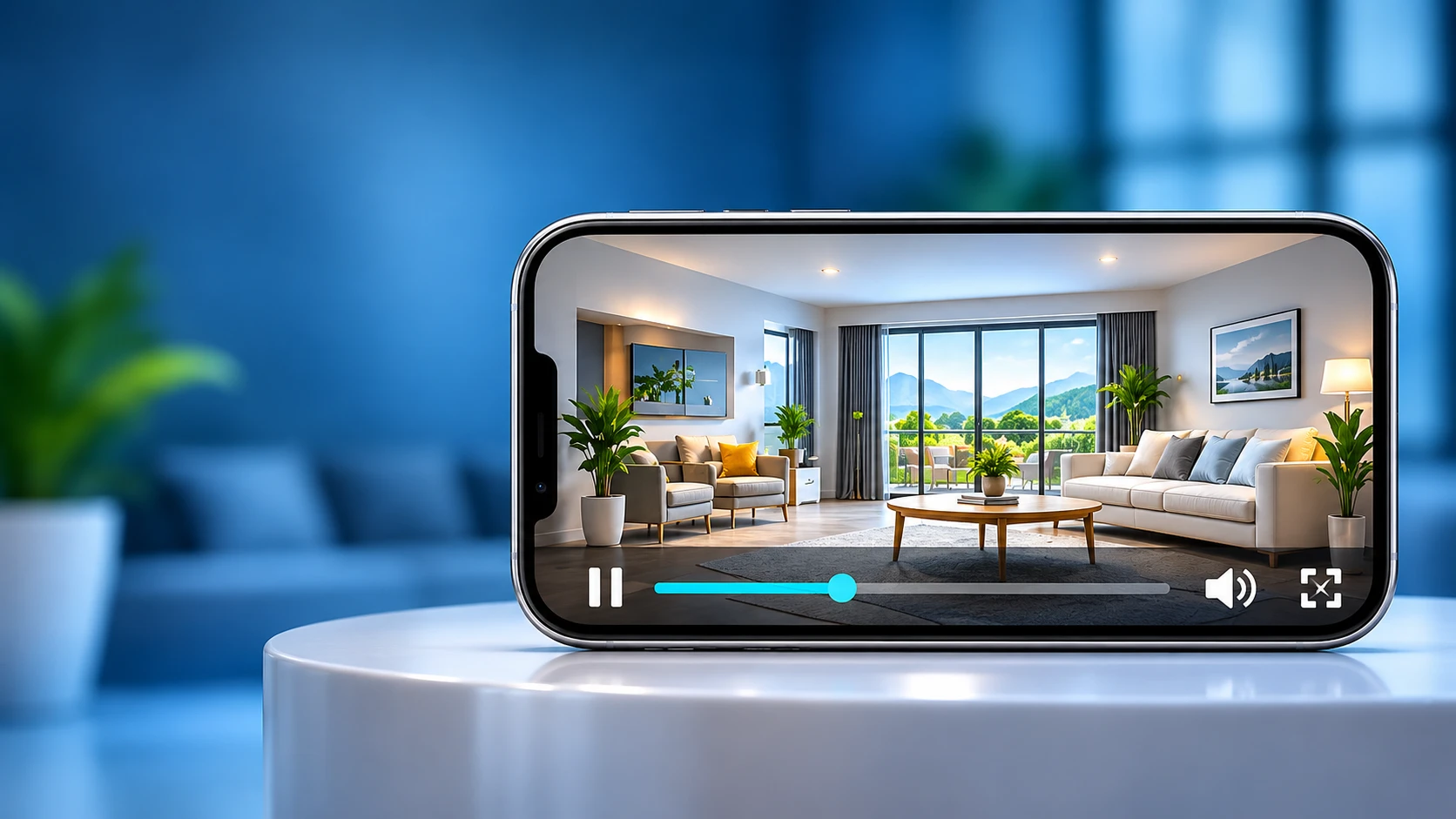
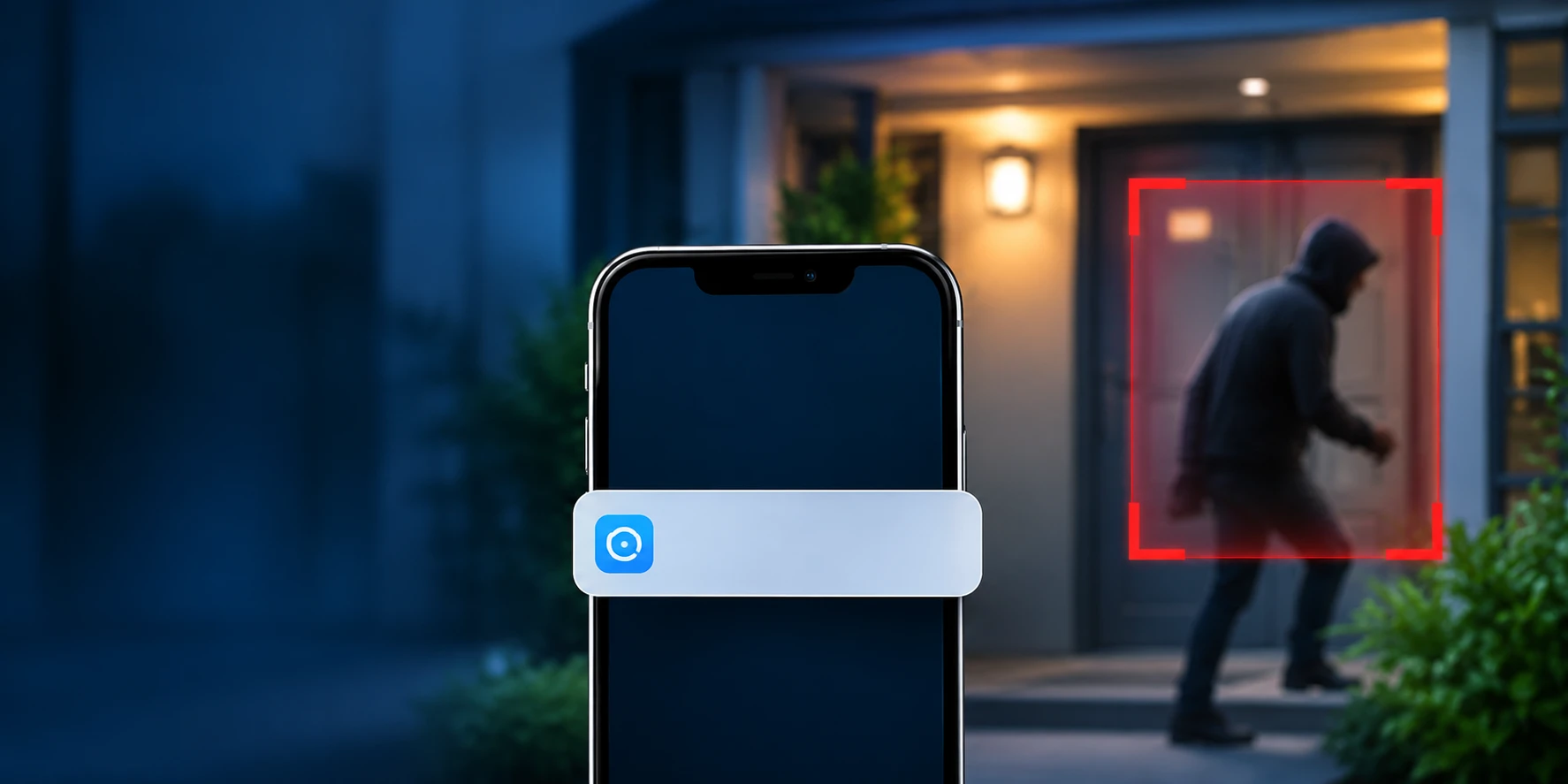
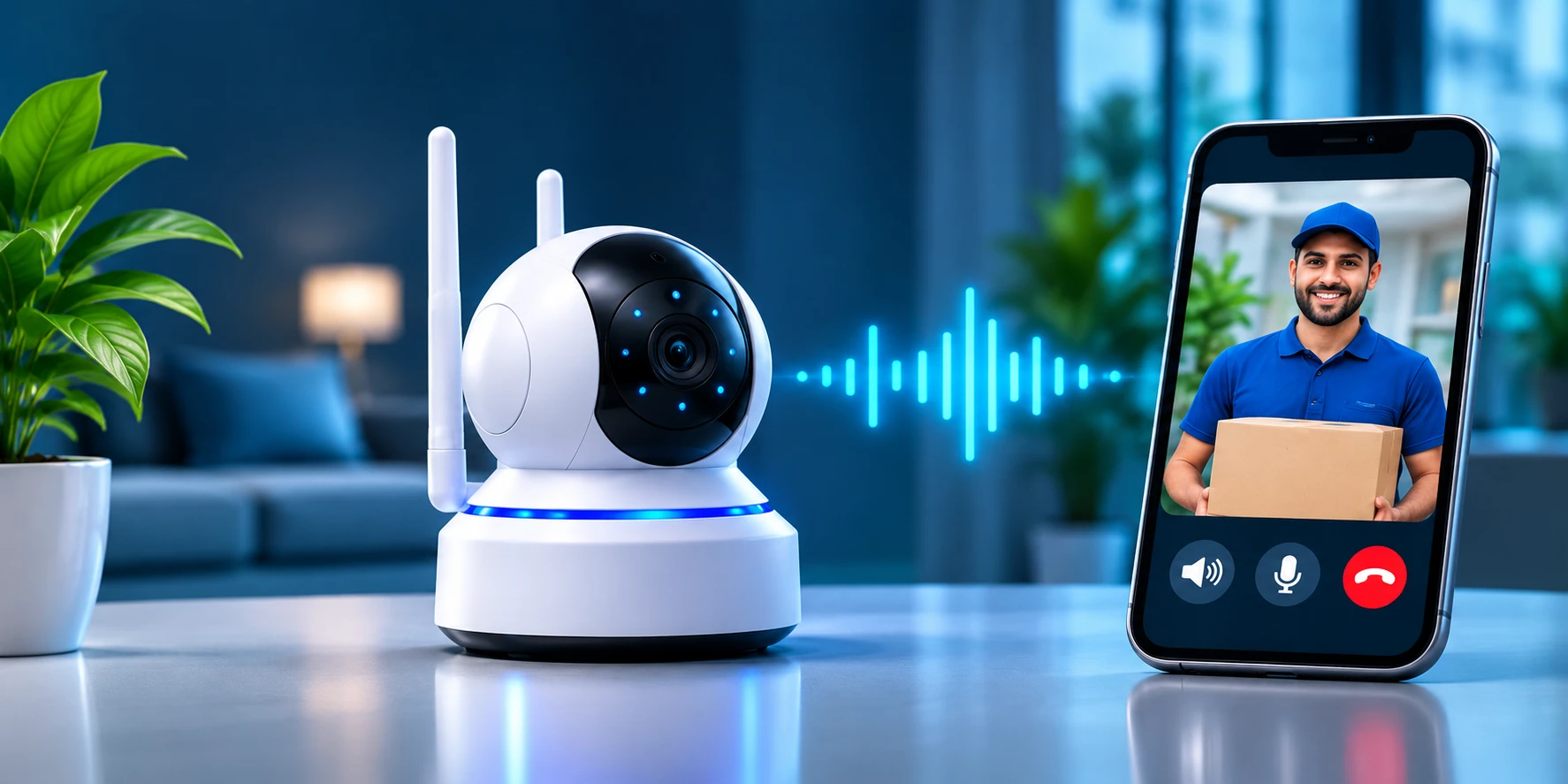



Choose how you want to use ICMob Camera.
Watch over family, kids and pets, and see who is at the door.
Monitor entrances and workspaces, and review recordings any time.
Cover counters and storerooms, and get alerts when the shop is closed.
Check on loved ones from far away and talk to them whenever needed.
Get started with ICMob Camera in just 3 simple steps
Install ICMob Camera on your Android or iOS phone
Connect your IP camera or Wi-Fi camera easily
Watch live video anytime, anywhere
The questions people ask most. More on the Support page.
Most people add their first camera in under five minutes.
Yes. Log in with the same account on other devices, or share access with family members.
On the camera memory card and, if you enable it, in cloud storage.
Yes. Motion alerts arrive as push notifications on your phone over Wi-Fi or mobile data.
Install the app on your Android or iOS phone, add your camera, and start watching live in minutes.
